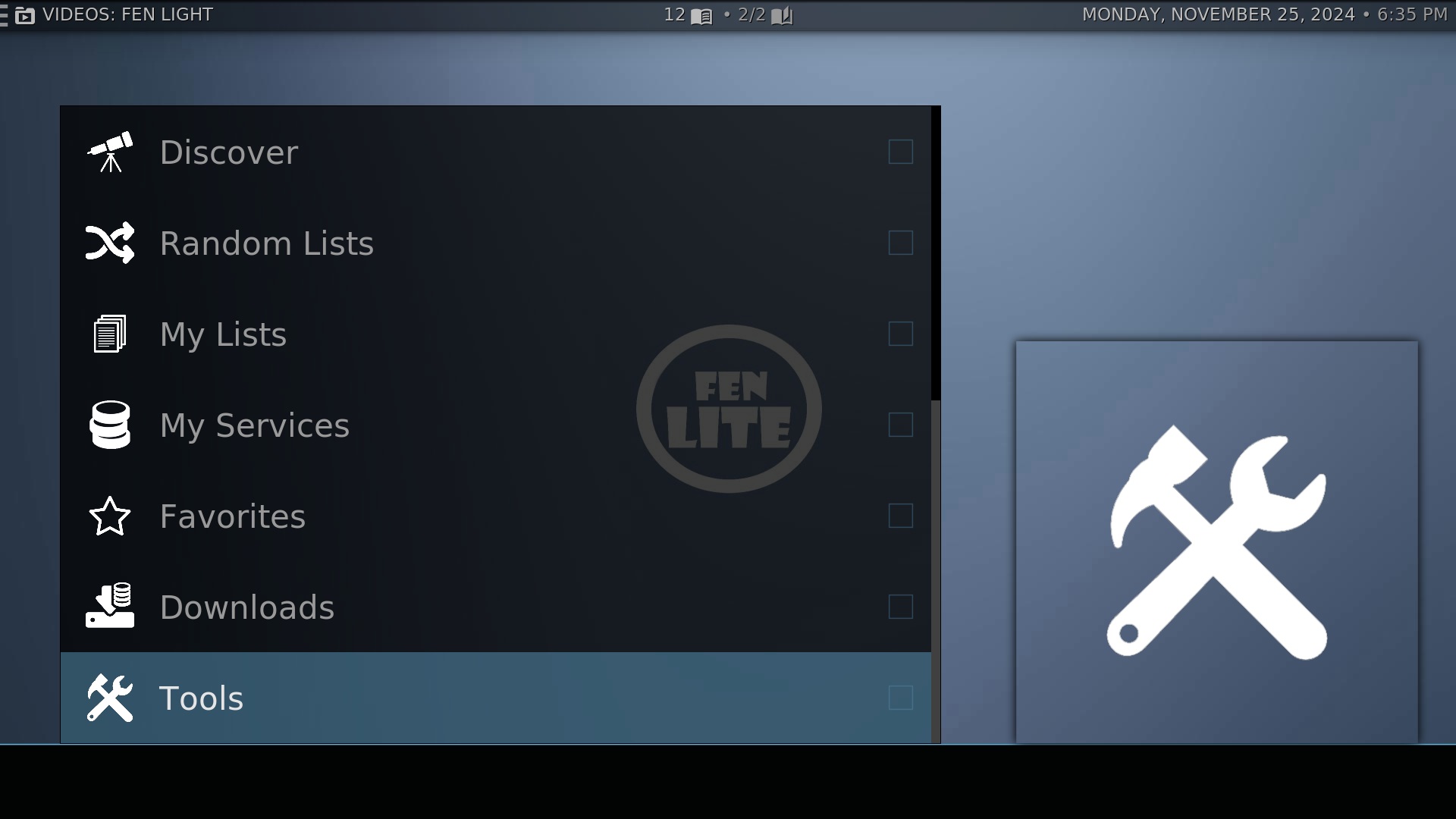
Step 1 – Open Kodi and click on the Fen Light addon at the bottom of the screen. Scroll down the menu and click on Tools.
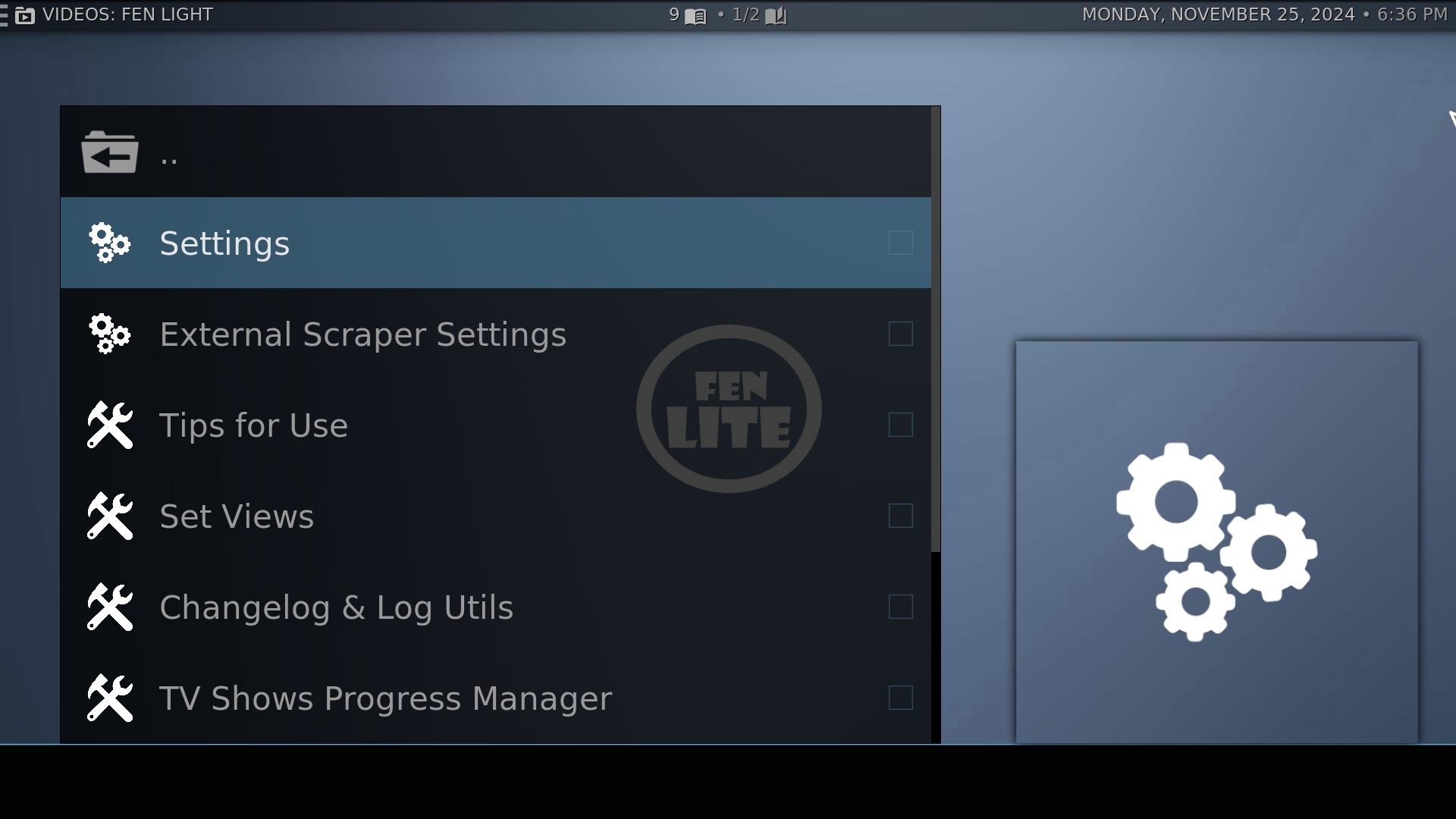
Step 2 – Click on Settings
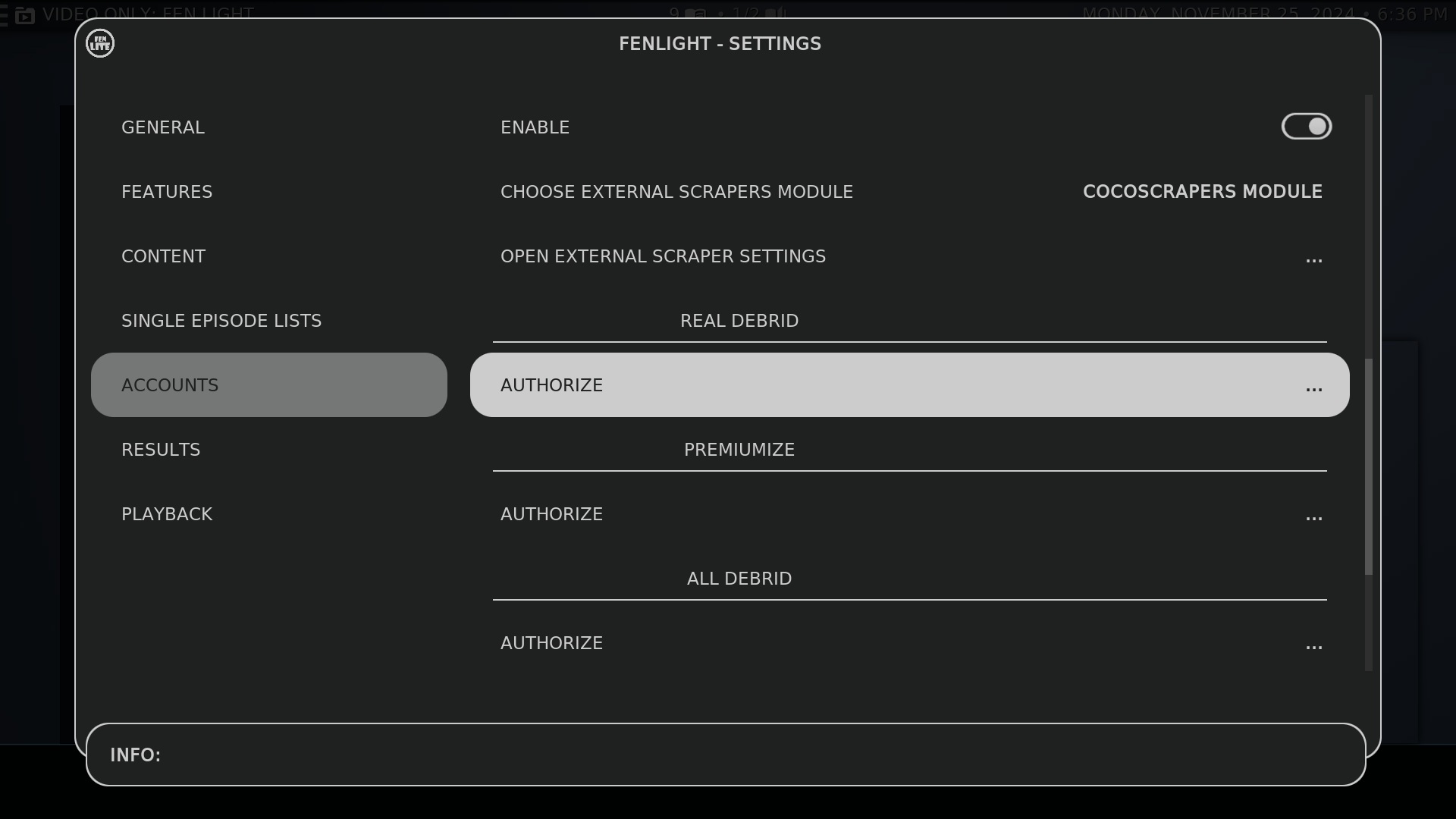
Step 3 – Scroll Down to Accounts. Move over to the right side and scroll down to Real Debrid. Click Authorize.
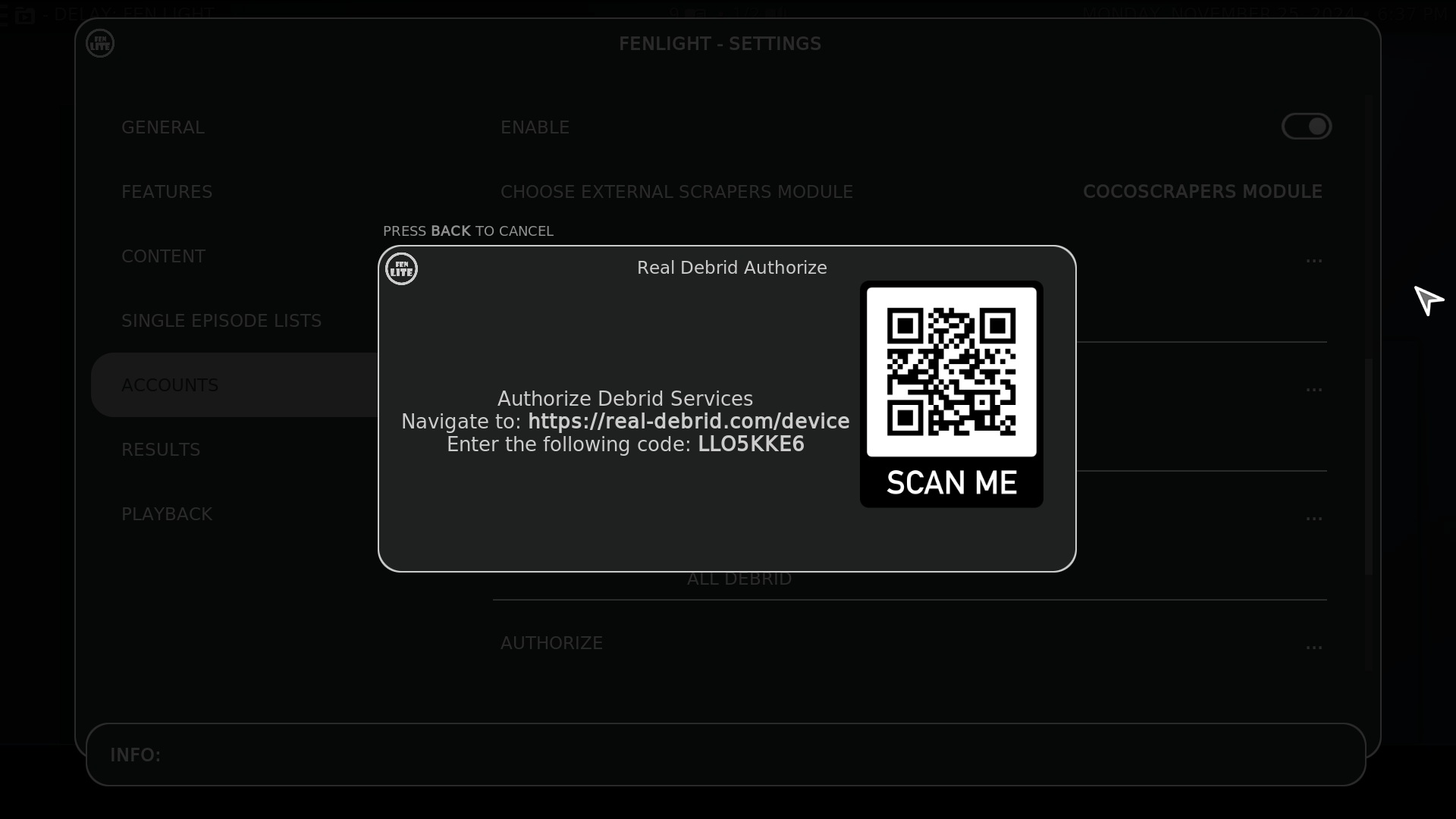
Step 4 – Using your phone or any device on the same network, follow the instructions on the screen.
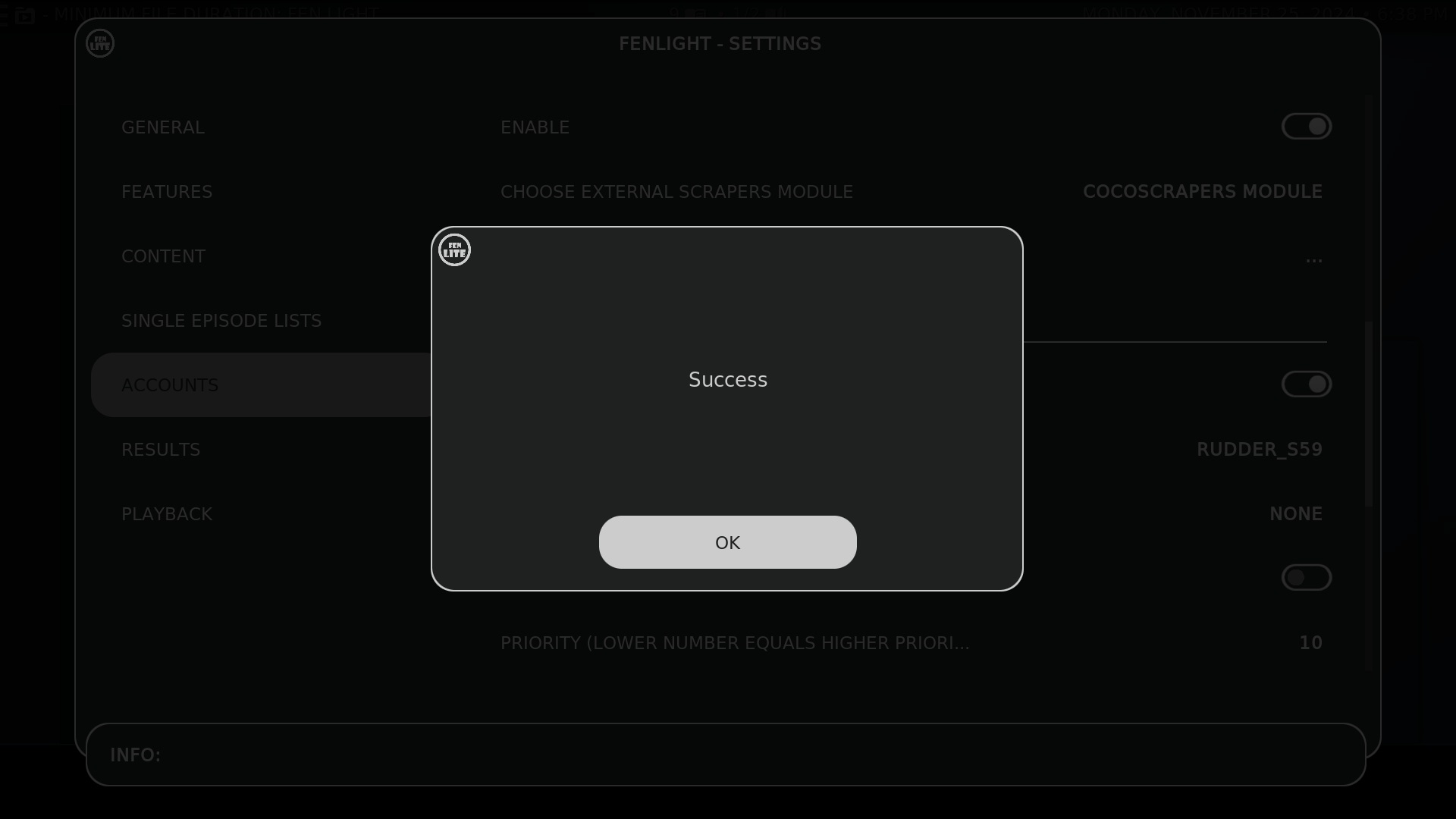
Step 5 – After entering the code you should receive notification of success. That’s it! You can do these steps in the other addons in Kodi such as Seren and Umbrella too.