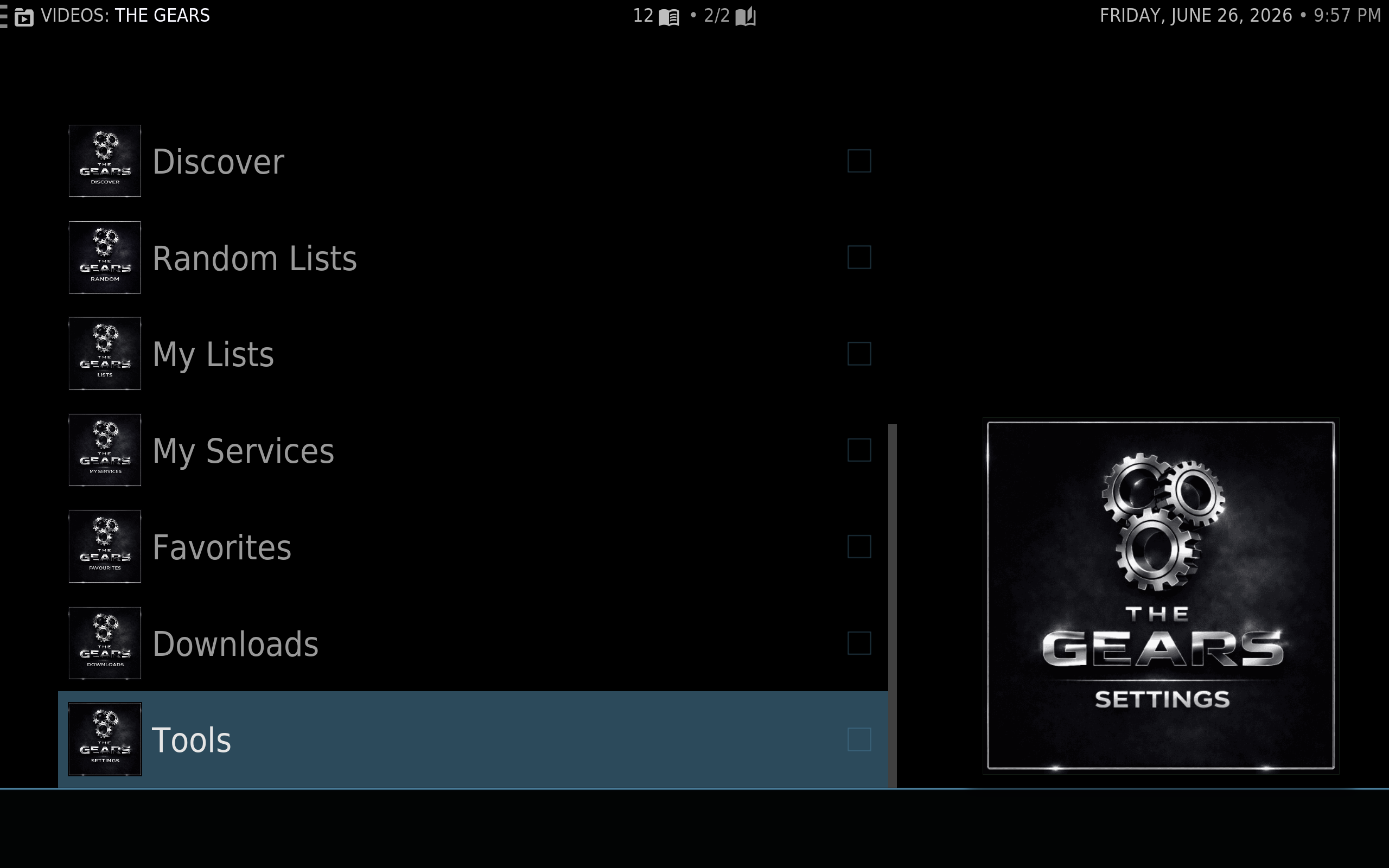
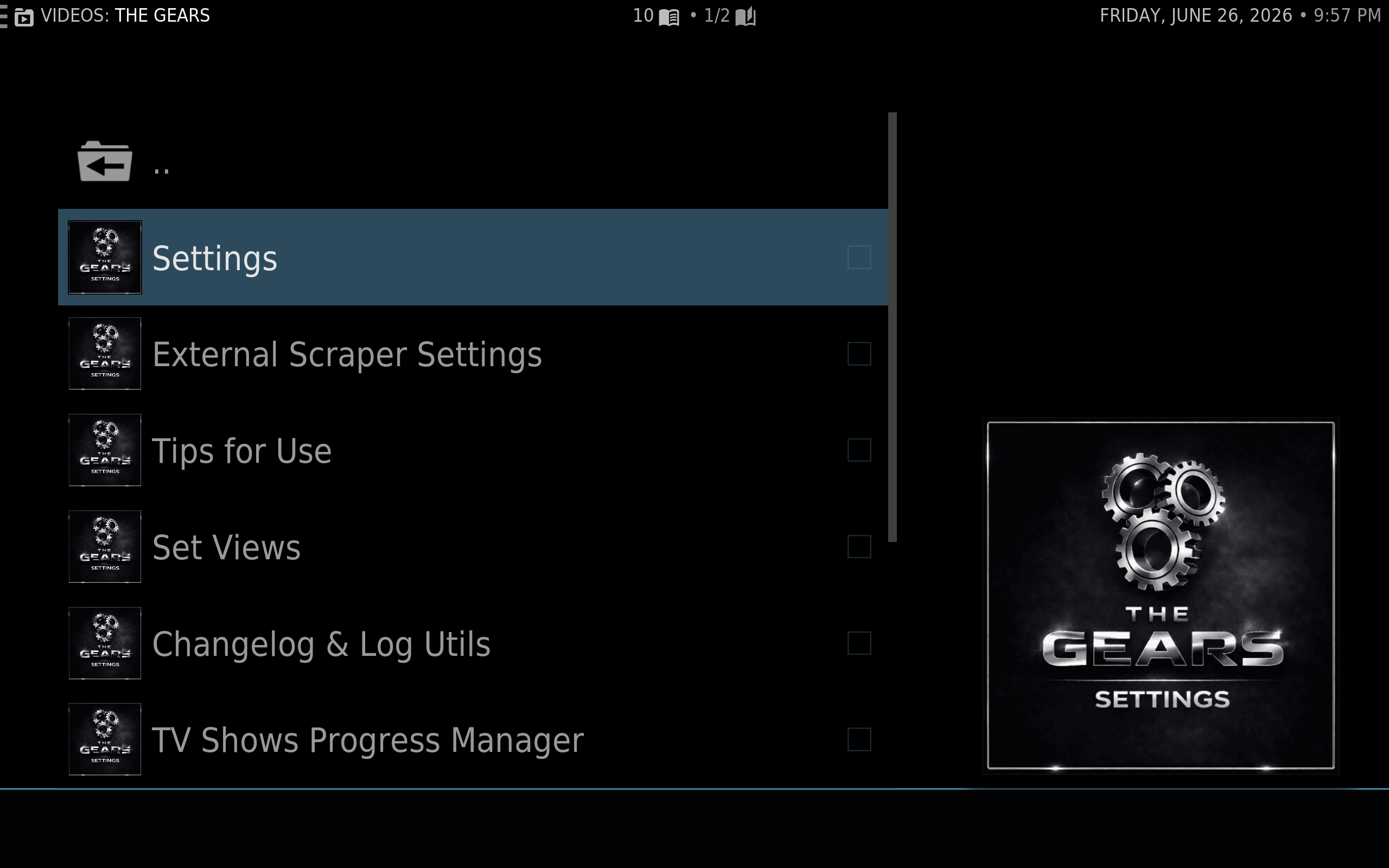
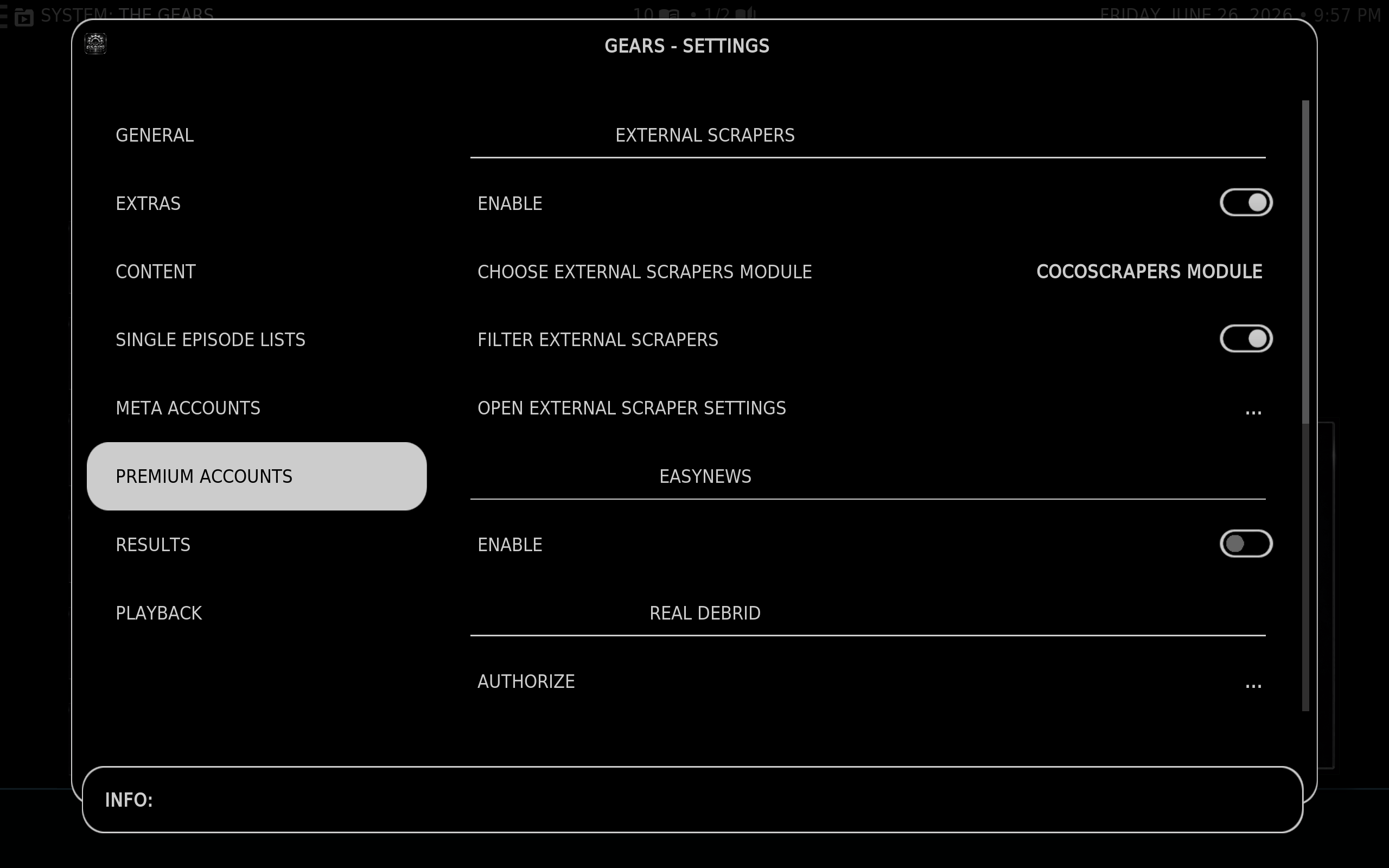
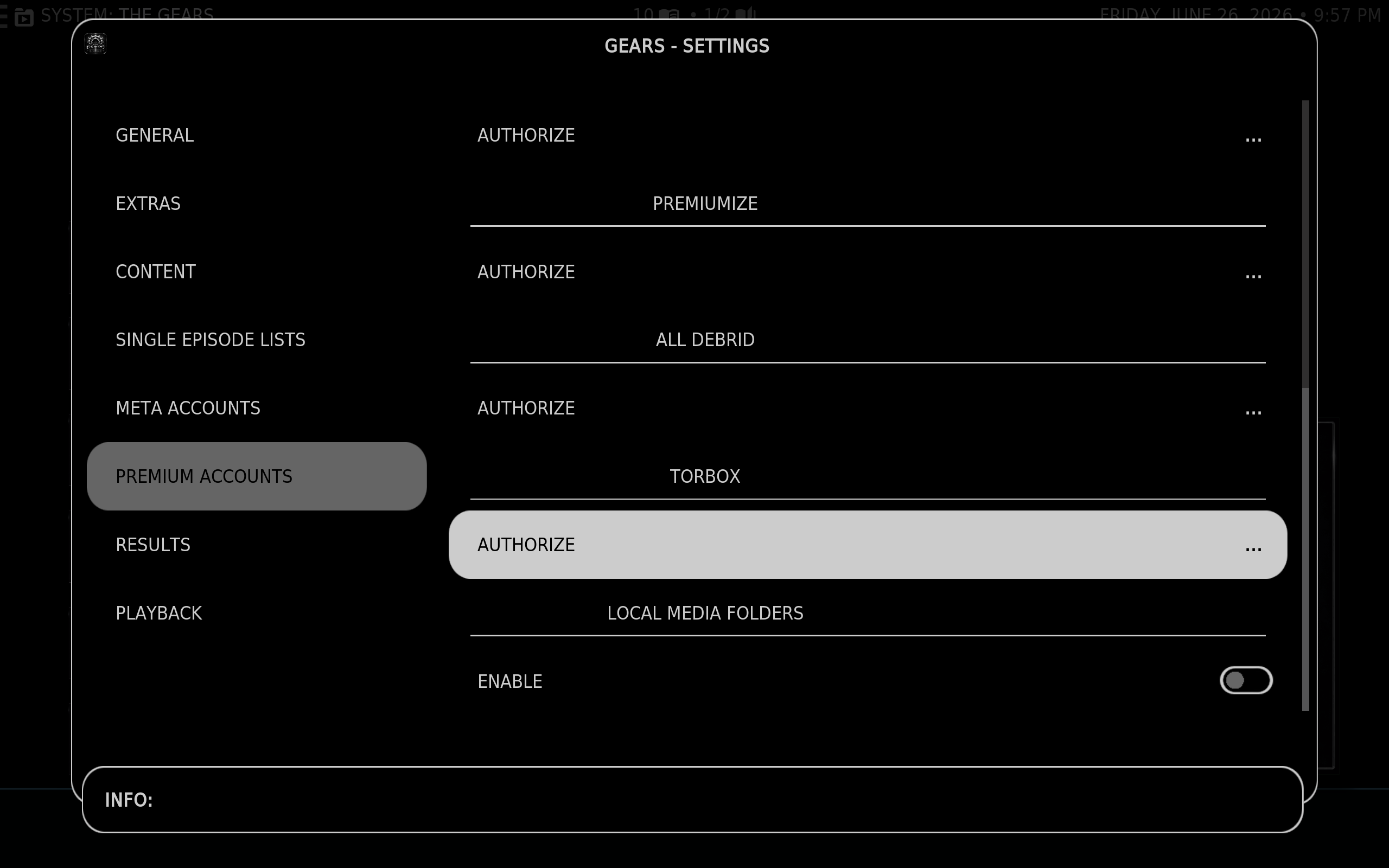
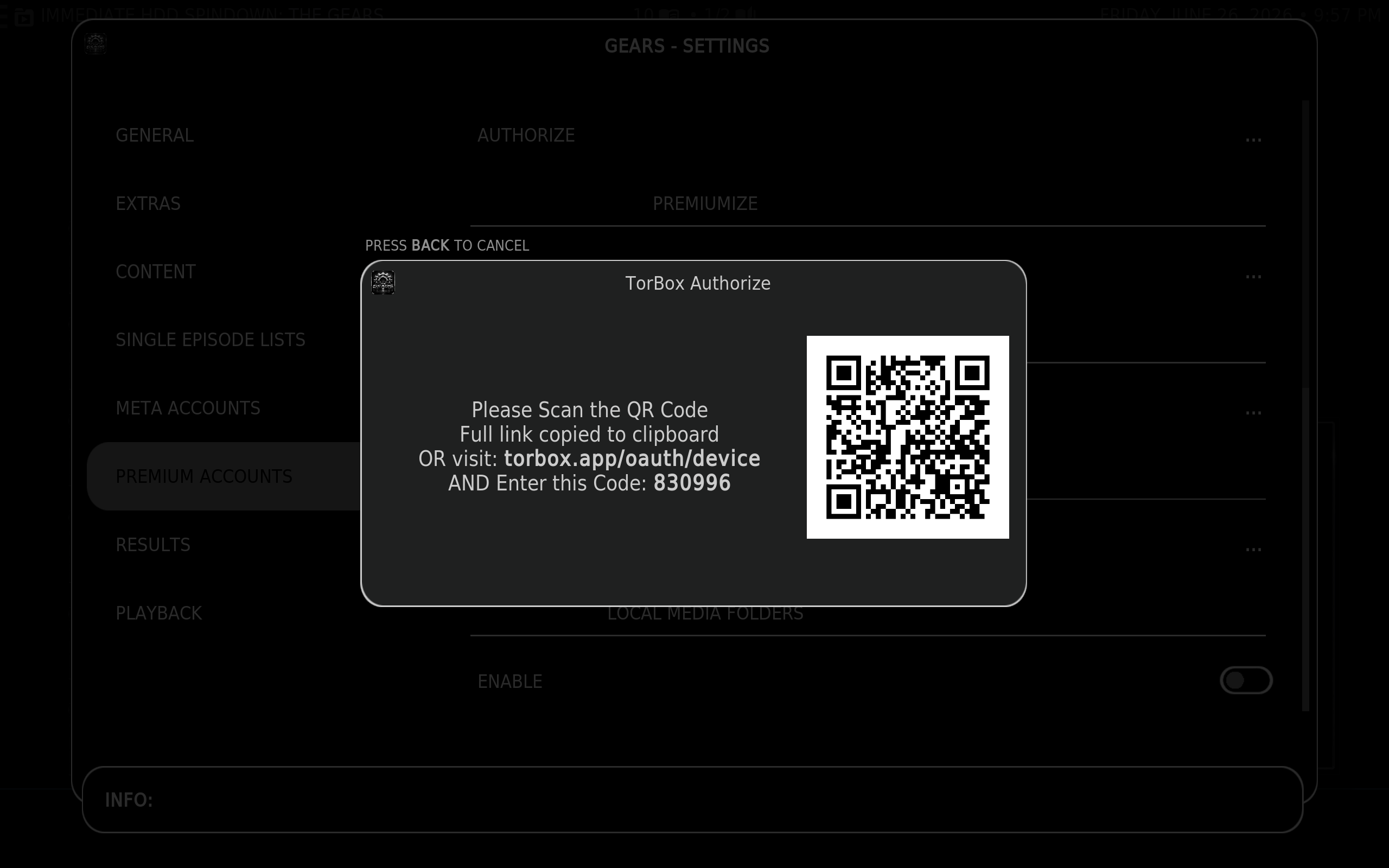
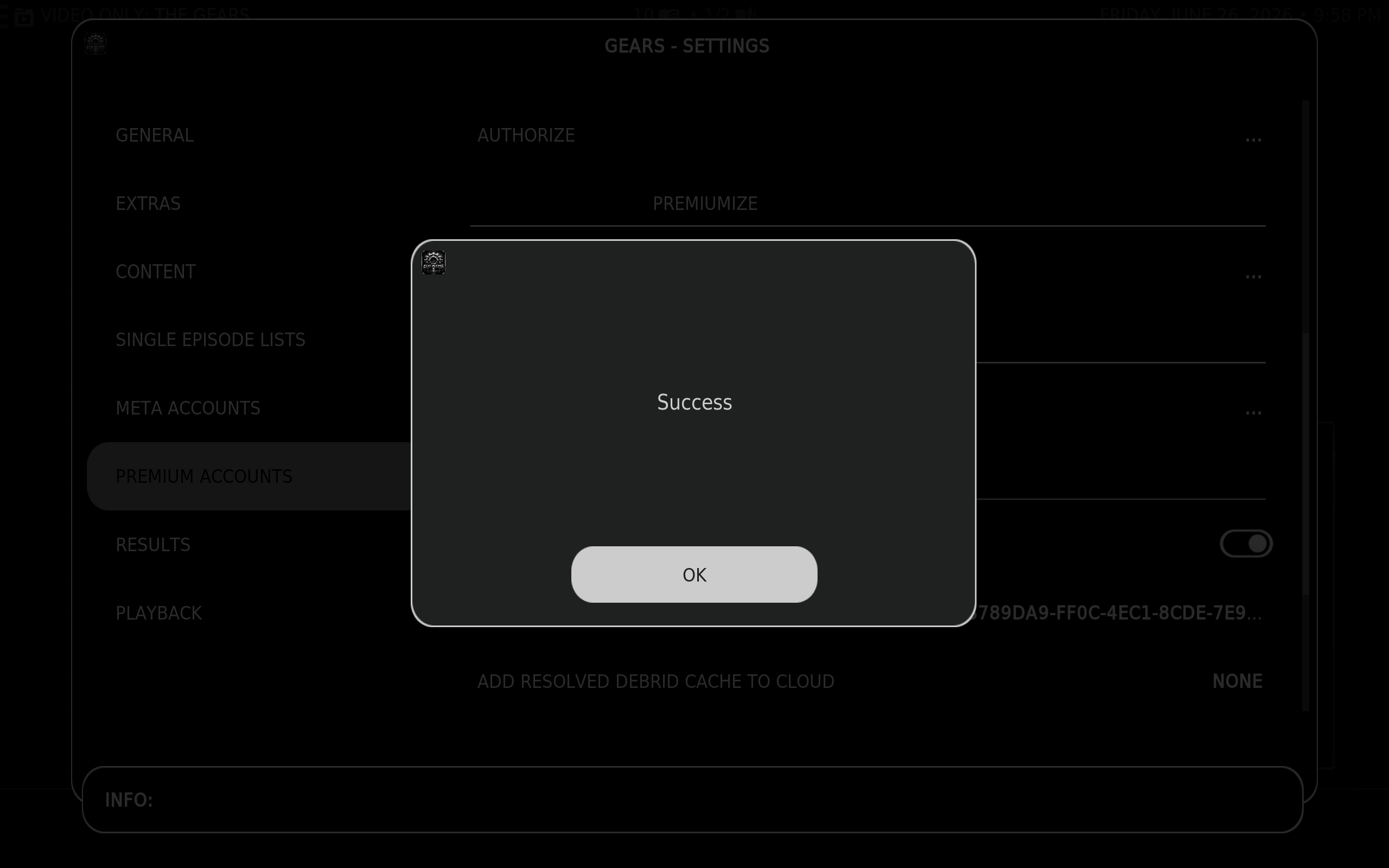
TorBox Kodi Step 1 – Open the Gears addon, scroll down and open the Tools menu. Step 2 – Open the Settings menu Step 3 – Scroll down to Premium Accounts Step 4 – Move over to the right hand menu and scroll down to Torbox Step 5 – Click Authorize. Scan the QR code with your phone or go to the link provided. Enter the code on your screen. Step 6 – That’s it! You’re ready to go. Step 7 – Repeat these steps in the Umbrella addon, and the Red Light addon in order to use them as well.